Find information on the UMass Chan Content Management System, Optimizely. Learn how to populate your web pages, read about bugs, and new or updated functionality.
Feb 5, 2026
Finding PDFs that contain accessibility issues in Siteimprove
Where to find a list of PDFs that contain accessibility issues.
Read more
Accessibility, Leslie Rutter
Jan 15, 2026
Hiding pages from search engines and menus on your site
When a page should remain viewable, but you wish to remove from search engines.
Read more
SEO,Training, Leslie Rutter
Jan 13, 2026
CMS Office Hours
List of resources regarding the weekly UMass Chan CMS office hours where we discuss accessibility issues, editing in the CMS, and process.
Read more
Process,Siteimprove,Tips and Tricks,Training, Leslie Rutter
Sep 30, 2025
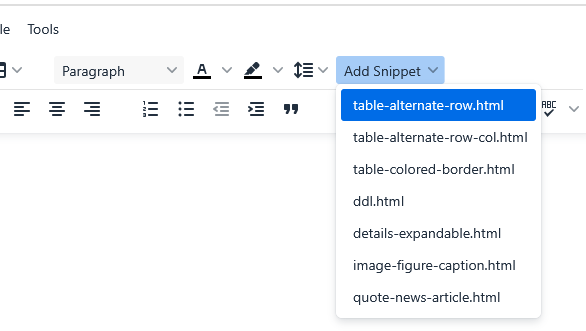
TinyMCE Menu Item: Snippets
Snippets allow you to add pre-defined HTML template to your WYSIWYG content to ensure content is set in the proper HTML without having to know anything about HTML.
Read more
Template,Tips and Tricks,Training, Leslie Rutter
Aug 26, 2025
Fix for videos and forms not displaying in the CMS
TinyMCE updated how iframes are created within the WYSIWYG editor when embedding forms or videos. This is to follow security best practices. This video provides instructions on a workaround, until this is fixed within the WYSIWYG editor, using an HTML block that can be dropped into the WYSIWYG in place of the iframe.
Read more
Bugs and Fixes, Leslie Rutter
Aug 15, 2025
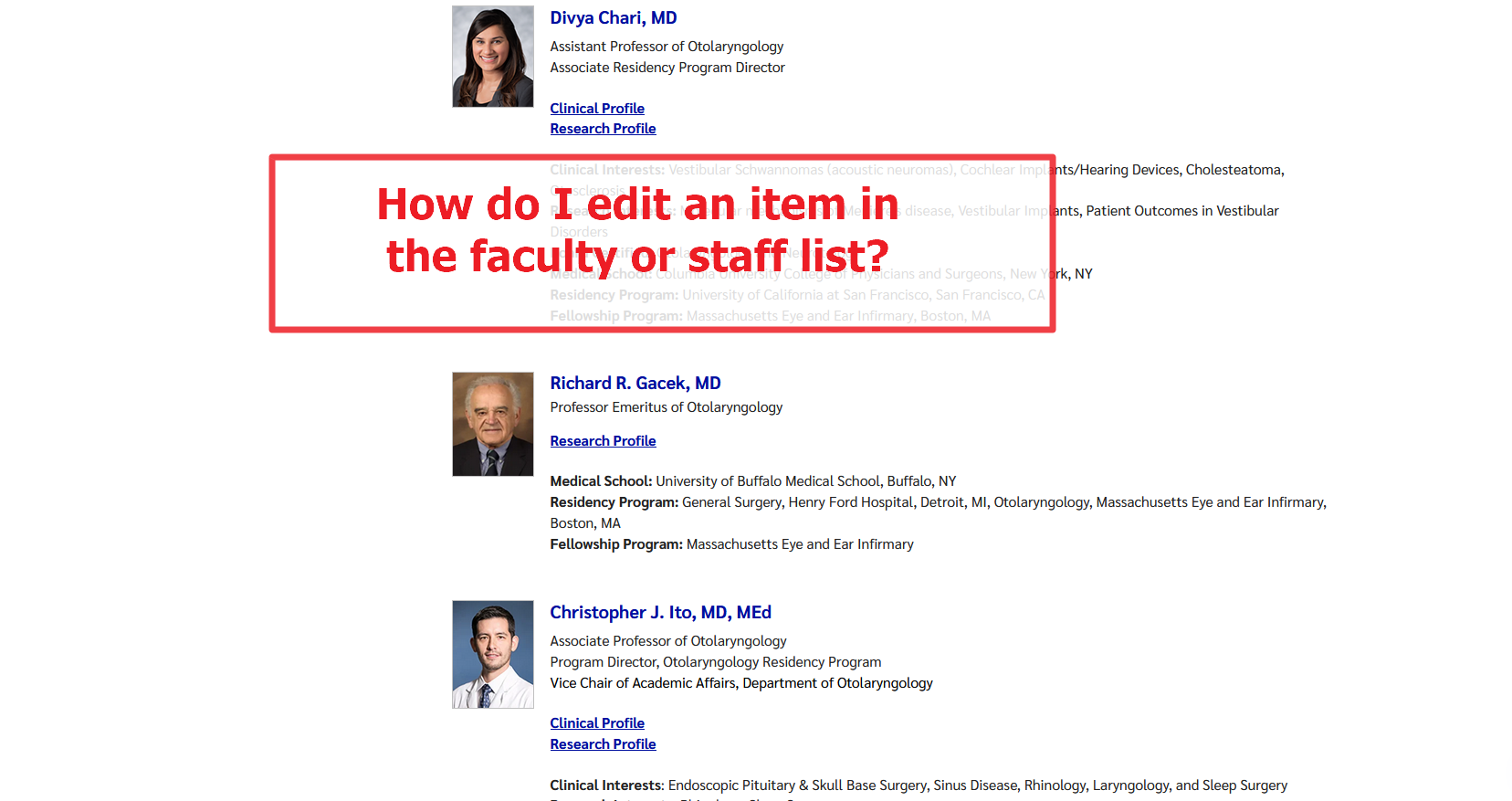
How do I edit items generated in a listing block?
Listing blocks are used to dynamically gather CMS pages to create a list. The pages cannot be editing within the listing block. But, we can find where the pages are located by editing the listing block and seeing where the Faculty Container property or Root Page List property is pointing to in the content/page tree in the CMS.
Read more
Tips and Tricks, Leslie Rutter
Aug 5, 2025
Adding links to PDFs
How to add a link to your PDFs, or other files, in your CMS content.
Read more
Media,Tips and Tricks,Training, Leslie Rutter
Aug 5, 2025
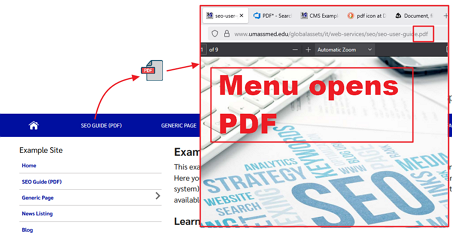
Menu: add a link to a PDF as a menu item
Create menu items that link to PDFs, or any file, using the CMS page Shortcut property.
Read more
Media,Tips and Tricks,Training, Leslie Rutter
Jul 23, 2025
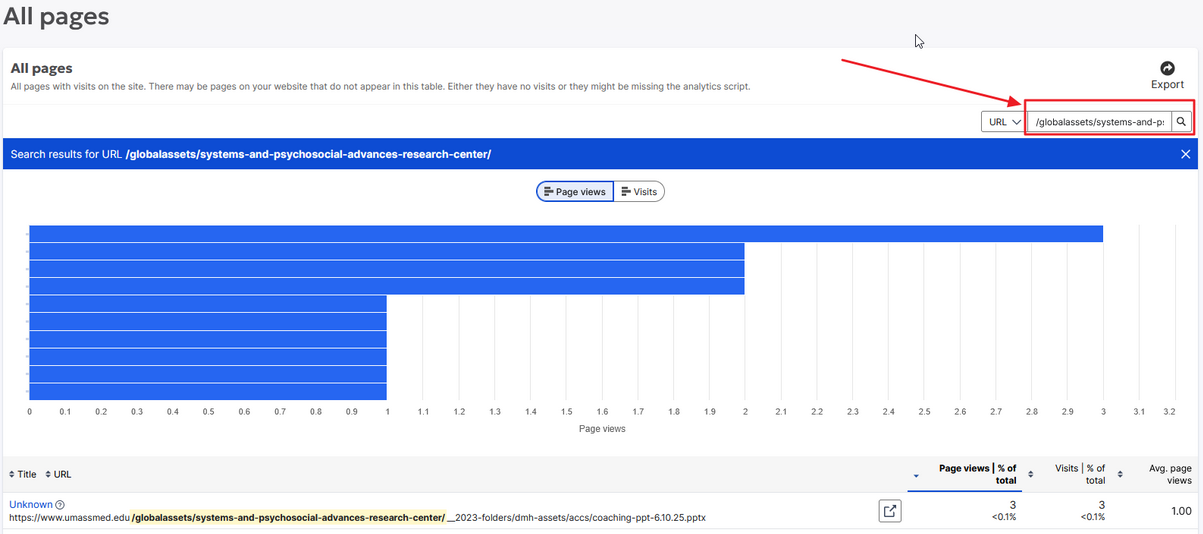
Siteimprove: Visitor analytics on file views
View a report of visitor views of site files that exist in the CMS media tree for your site.
Read more
Analytics,Siteimprove, Leslie Rutter
Jul 18, 2025
How to set up FAQs
FAQs are small snippets of content that can be used to create an expandable list on a page.